To put it simply, users in Joomla are set up for controlling access and privileges on your website. When someone has an account on your website, depending upon their privileges, they can make changes to it.
Here is a simplified breakdown of what they are for:
-
Who Can Do What: They define who can perform specific actions, such as writing a new article, editing an existing page, publishing content, or changing website settings.
-
Who Can See What: They decide which parts of the website (content, pages, menus) are visible to different people. For instance, you can set an article to be visible only to a "Members" user group, while a "Guest" user group cannot see it.
-
Security and Roles: They allow you to assign people to roles (like a student author, a site editor, or an administrator) so that everyone has the right level of control and security to perform their job without affecting areas they shouldn't.
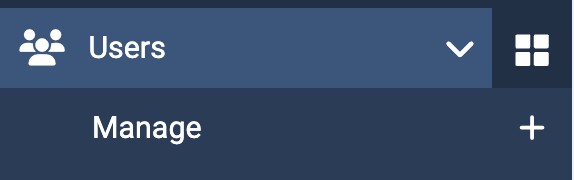
Start looking at and managing users in the Control Panel of your web site choose Users >> Manage to reach the User Manager list of accounts.
Or you can click on the "Users" button in the main control panel.