Switching of a popup that you no longer need to display is really simple. Follow these steps:
Login to the Control Panel of your website
Nagivate to Components > Engagebox
You will see five icon buttons:
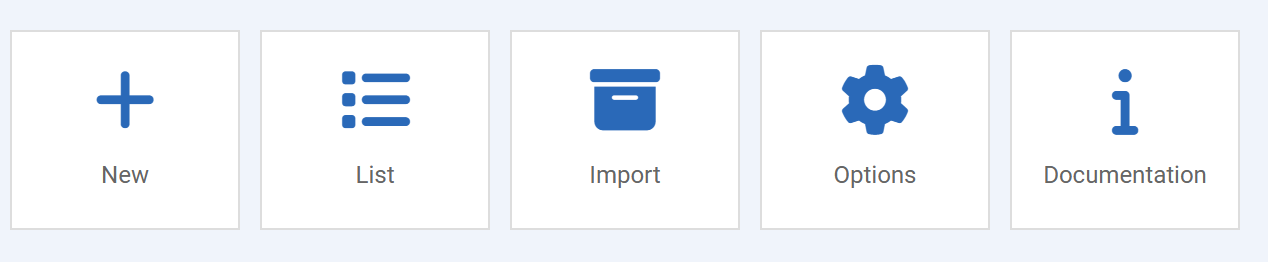
Click List to see a list of all / any popups that have been set for your site:

Click on the green circle/tick icon to change it to a grey X icon in the Status column. Your popup will now be disabled and will no longer show on the website (but its retained for later use if you need it):

You do not need to Save this chnage, its saved automatically.