Loading lots of images at once (20+) can slow down your website. If your slide count is very high, it would be worth use the Max Count feature. Max Count works hand in hand with the Randomise feature.
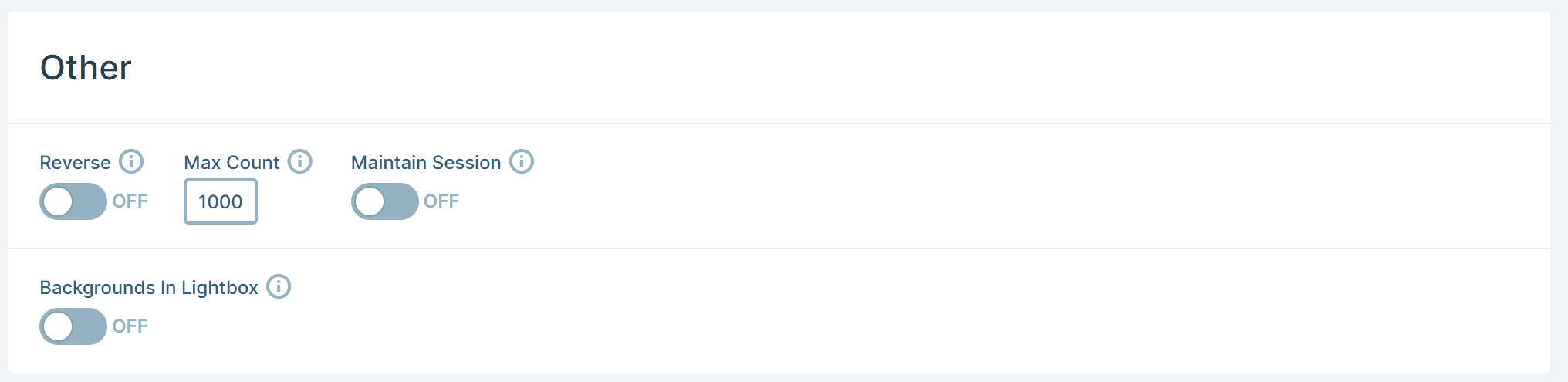
By default the Max Count feature is set very high (1000) as its not normal to have a large number in your slide pack.
-
In Settings > Slides, find the Max count field.
-
Enter a smaller number (e.g.,
5).
The Result: Using the value of Max Count = 5, Smart Slider will take your large pool of slides, shuffle them (as they are randomised), pick your designated "First" slide, then pick 4 other random slides to show for that session. This keeps the page weight low while maintaining variety.